Artificial intelligence is on the rise and certainly hasn’t been avoiding the educational sector. AI has made quite the entrance by providing teachers with ways to personalize learning, connect with families, and track student progress quickly and effectively. How do educators balance using AI to enhance learning and students using it to cut corners? What are some reliable AI content detection tools teachers can use?
The Balance Between Using AI to Enhance Learning and Students Using It to Cut Corners
Balance. We are on a continuous quest to achieve this word in our work lives, in our personal lives, and really in every single aspect of our days. The same is true when it comes to the use of artificial intelligence. The rise of AI has been fascinating to teachers and students alike. It allows students to generate ideas, self-correct, and aid in brainstorming realistic solutions to problems.
It helps cut back on teachers’ workload in similar ways; brainstorming lesson plans, composing emails to parents, and producing lists. However, there is an excellent line between enhancing learning with the use of AI and preventing it from inhibiting student growth. How does AI enhance learning, and how do students use it to cut corners?
AI and Ways It Enhances Teaching and Learning
There are many educational components that AI is providing educators. As mentioned above, generating lesson plans, examples of student work, and email responses are just beginning to skim the surface of the many capabilities of AI. It can produce post-lesson reports that provide teaching feedback. It can generate metrics on student speaking time, identify questions that triggered the most responses and engagement, as well as produce real-time follow-up questions for teachers to ask the class during their live teaching.
Engaging Students
Other ways AI is supporting learning is by more deeply engaging students. AI can bring students’ artwork to life by adding animation to sketches or photos. Uploading your art piece to a tool such as Animated Drawings allows AI to quickly give it dozens of actions like walking, dancing, boxing, etc. How much more fun can students have with their art when it turns to life?
AI image generators can help bring animation to historical scenes like bringing animated drawings to life. At last year’s ISTE conference, James Beeghley shared ways of using these image generators to help students better envision historical events. Think of how cool it would be to witness the signing of the Constitution or scenes from Lincoln’s Gettysburg Address. AI can help with that. However, beware, this AI technology would likely be full of historical inaccuracies.

Looking for a graduate program?
Students Can “Play” Teacher
Another exciting way to use AI is by letting students “play” teacher. Have students type in their writing prompts into ChatGPT. Then, grade the response. Did the passage have a strong opening paragraph? Was there enough detail included? Was there adequate evidence to back their opinions? This is a fun way to connect students to writing compositions as they reflect on the components their work should include.
AI and Ways It’s Allowing Students to Cut Corners
While AI has been opening many exciting doors for use in the classroom, unfortunately, it also allows students to cut corners. Students have been using it to write essays, finish journals, and look up answers to tests. AI can perpetuate biases when the credibility of its training comes from unreliable sources. When this happens, feedback and answers can impact students’ learning and understanding. So, what tools can teachers use to help detect AI-generated content?
AI Content Detection Tools Teacher Can Use
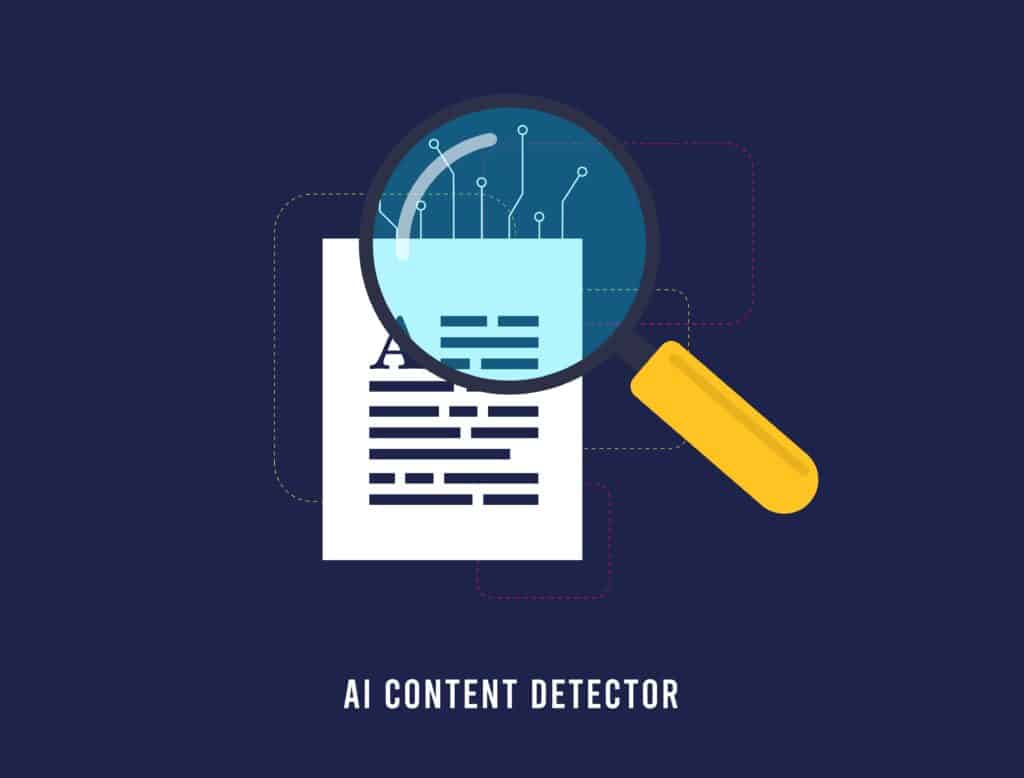
AI has some really great benefits in the classroom. But the drawbacks can be overwhelming. One way to find the happy medium is to use an AI content detection tool. There are many out there, but the following are good places to start.
GPTZero claims to be the best and most reliable AI detector tool developed. A computer science undergrad at Princeton University designed this tool to detect ChatGPT and other bots, but also can look for AI influences in sentence, paragraph, and document level. It is free for users and promises to interpret results for you with a clear description of the findings (as opposed to just the number).
Winston AI was designed specifically for educators. One major benefit of this tool is that it has very clear explanations of what was detected and the option to upload a document. It is quick, intuitive, and effective. The Optical Character Recognition technology embedded within Winston AI is a convenient feature for teachers who want to check handwritten student work.
CopyLeaks may be the most well-known AI detection tool. It promises 99.1% accuracy and can be used not just in an educational setting but in various other occupations as well. What people love so much about CopyLakes is that it can generate results in less than 1 minute. It has a browser extension and can also be used to upload files, URLs, or even texts within images. The setbacks include a limit on daily use (for the free version), and while it provides a percent of detected AI text, it doesn’t further explain its findings.
Recently, AI entered through the school doors and has taken many by storm. Teachers are finding it helpful to engage students more deeply as they bring content to life and take learning to the next level. Students are enjoying experimenting with its uses. While some have taken it too far and are using it to cut corners, AI content detection tools give us the ability to make sure we are properly using the many benefits that artificial intelligence has to offer.
Educators never stop learning; check out our available graduate degree programs to hone your skills and promote lifelong learning and academic excellence.